Create a Story With AI: A Fun Activity for Kids
Introduction
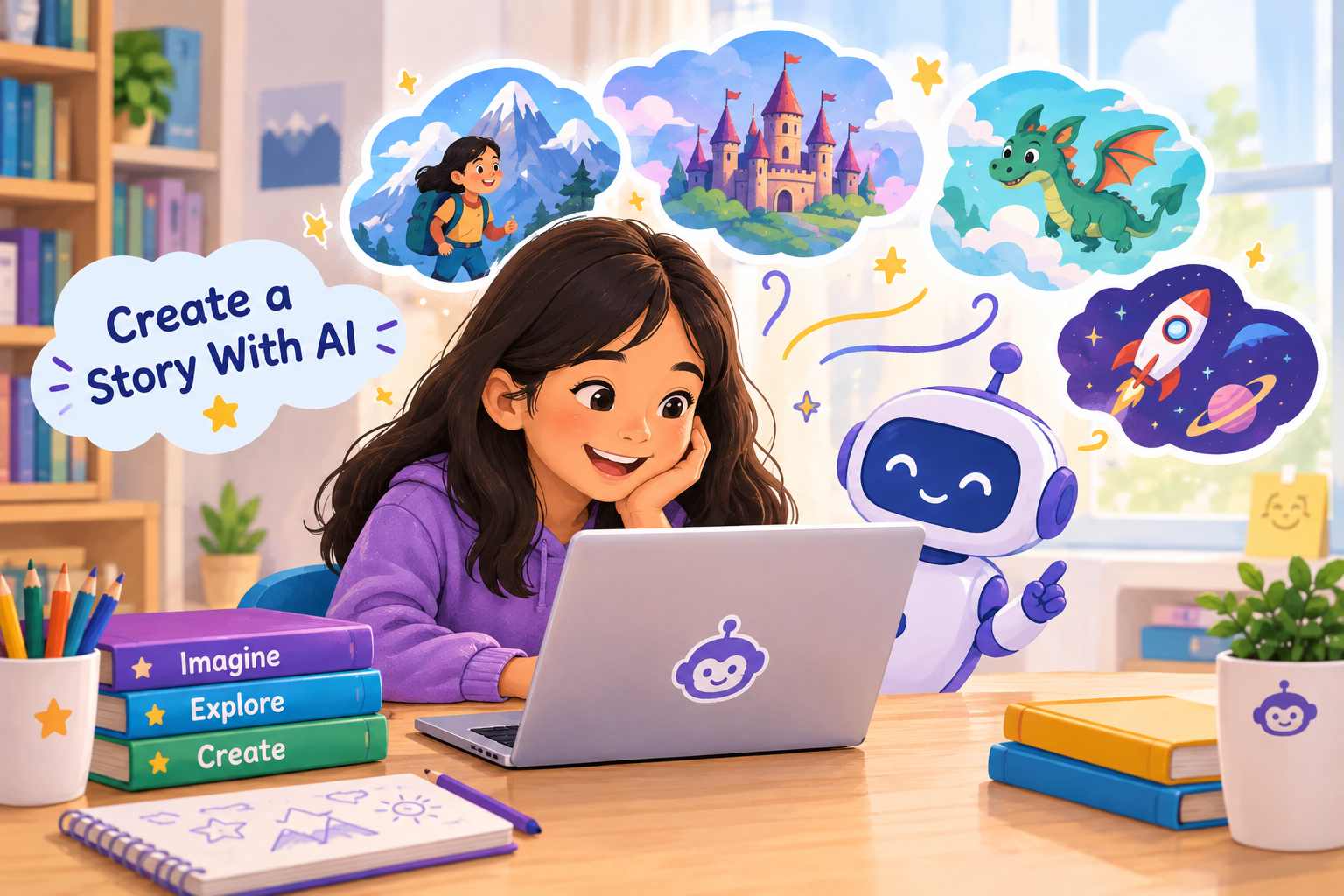
Create a story with AI and turn your child’s imagination into an exciting adventure. AI can help children brainstorm characters, settings, problems, and story ideas while they remain the main creators of the story.
Instead of asking AI to write everything, children can use it as a creative partner. They make the important choices, while AI helps them explore different possibilities.
This simple activity can be done at home or in the classroom and is suitable for children who enjoy stories, drawing, and imagination.
What Is an AI Story?
An AI story is a story created with the help of an artificial intelligence tool.
For example, a child might decide:
Character: A curious girl named Maya
Setting: A hidden library under Kathmandu
Problem: All the books have suddenly lost their words
The child can then ask AI to help develop the idea.
The important part is that the child provides the imagination and direction. AI simply helps turn those ideas into a story.
The Fun Activity: Create Your Own Story
Give your child a notebook or a piece of paper and ask them to complete these five boxes:
| Story Element | My Idea |
|---|---|
| 👤 Main Character | __________ |
| 🌍 Setting | __________ |
| ⚡ Problem | __________ |
| 🔎 Goal | __________ |
| 🎉 Ending | __________ |
There are no wrong answers.
A child could create a story about a robot who gets lost in Pokhara, a talking dog who wants to become a teacher, or a student who discovers a secret door inside their school.
Step 1: Choose Your Main Character
Start by creating a character.
Ask your child:
- Who is the character?
- What is their name?
- What do they like?
- What are they good at?
- What makes them different?
For example:
“My character is Tara, a 10-year-old girl who can understand what animals are saying.”
Step 2: Choose the Setting
Now decide where the story happens.
It could be:
- A school
- A jungle
- A different planet
- A magical kingdom
- Kathmandu
- Under the ocean
- Inside a video game
- A secret laboratory
Encourage children to combine familiar places with imaginative ideas.
For example:
“The story takes place in Kathmandu, but there is a secret magical city underneath the streets.”
Step 3: Give Your Character a Problem
A good story needs a problem for the character to solve.
Ask:
“What goes wrong?”
Maybe:
- A friend goes missing.
- A robot stops working.
- A magical object disappears.
- The character gets lost.
- The school suddenly floats into the sky.
- Someone needs help.
For example:
“Tara discovers that all the animals in Kathmandu have stopped talking, and she needs to find out why.”
Now the story has a mystery to solve.
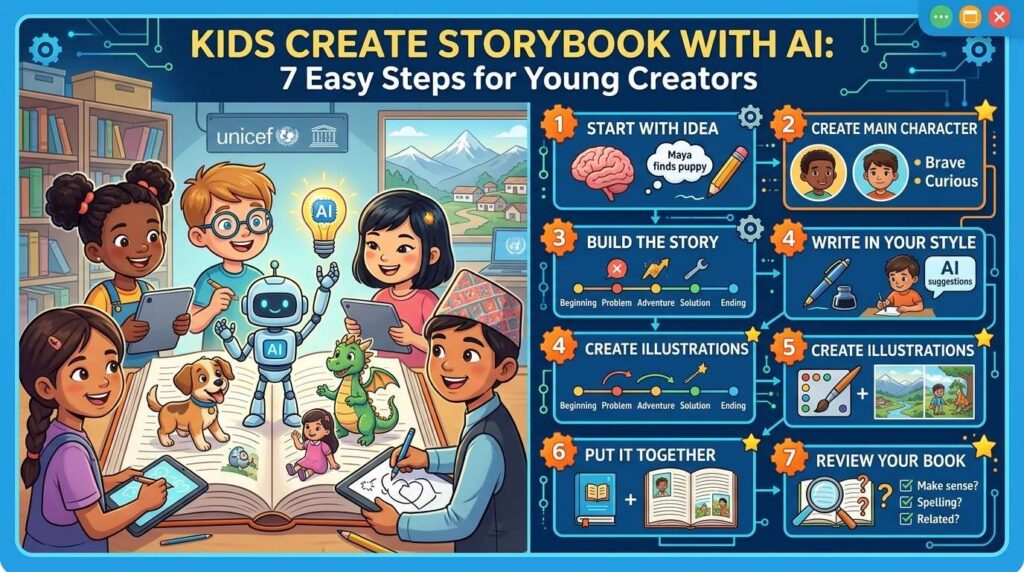
Step 4: Ask AI to Help Build the Story
Now it’s time to create a story with AI using the ideas your child has already developed.
Try a prompt like:
“Help me create a fun children’s story using these ideas: The main character is Tara, a 10-year-old girl who can understand animals. The story takes place in Kathmandu. All the animals have suddenly stopped talking. Give me three possible ways the story could continue. Keep the ideas fun and suitable for children.”
Instead of immediately asking AI to write the entire story, asking for three possibilities gives the child a chance to choose what happens next.
Step 5: Make the Story Your Own
This is the most important part.
The child should read the AI’s suggestions and decide:
“Which idea do I like?”
They can then:
- Change the character
- Add their own dialogue
- Change the ending
- Add a funny character
- Remove parts they don’t like
- Add a local place
- Give the story a lesson
For example, the child might decide that Tara discovers the animals stopped talking because someone stole a magical bell from a hidden temple.
Now the child can write their own version of the adventure.
AI gives suggestions. The child makes the decisions.
Once children create a story with AI, they can take the next step and turn one of their favourite scenes into an illustration.
Step 6: Create an Illustration
Once the story is finished, children can create a picture of their favourite scene using an AI image tool.
For example:
“Create a colourful children’s storybook illustration of a young girl standing in Kathmandu with a friendly dog, cat, and parrot around her. The animals are helping her search for a magical golden bell.”
Children can then compare the AI-generated picture with the image they imagined in their heads.
Ask:
“Does this picture look like what you imagined?”
If not, they can change the description and try again.
What Kids Learn From This Activity
Creating a story with AI is more than just entertainment.
Children can practise:
- Creative thinking — inventing characters and worlds
- Writing — developing stories and dialogue
- Problem-solving — deciding how characters overcome challenges
- Communication — explaining ideas clearly to AI
- Critical thinking — choosing which AI suggestions to use
- Digital literacy — learning how AI tools work
Most importantly, children learn that AI does not replace their imagination.
Their ideas are what make the story interesting.
A Simple Challenge for Kids
Ready for a challenge?
Give your child these three ingredients:
🐒 A talking monkey
🏔️ Mount Everest
🚀 A broken spaceship
Now ask:
“What story could you create using all three?”
Let the child create the first idea before asking AI for help.
Then use AI to brainstorm what happens next.
Conclusion
Create a story with AI by starting with your child’s own imagination. Let them choose the characters, setting, problem, and ending before using AI to develop their ideas.
The goal is not to have AI write a perfect story for them.
The goal is to help children imagine, experiment, write, and create with a new kind of creative tool.
A simple story activity today could help children become more confident creators tomorrow.
When children create a story with AI, they are not simply getting a story from a machine they are learning to imagine, make decisions, write, and create.
Frequently Asked Questions
Can children create stories with AI?+
Yes. Children can use AI to brainstorm characters, settings, story problems, and possible endings. Younger children should use AI with guidance from a parent or teacher.
Should AI write the entire story for a child?+
It is better to use AI as a creative helper. Children should contribute their own ideas, make decisions, edit the suggestions, and create parts of the final story themselves.
What can children learn by creating stories with AI?+
Children can practise creativity, writing, problem-solving, communication, critical thinking, and digital literacy while experimenting with AI.
Related Sources
- https://www.unesco.org/en/articles/ai-competency-framework-students
- https://www.unicef.org/innovation/tinkering-tech-equipping-children-ai-literacy
- https://www.unicef.org/nepal/reports/safeguarding-futures
- https://www.unesco.org/en/articles/guidance-generative-ai-education-and-research
- https://www.commonsensemedia.org/research
- https://www.chimpvine.com/ai-safety-rules/