Top Free AI Tools Kids Can Use to Build Their First Machine Learning Model
Introduction
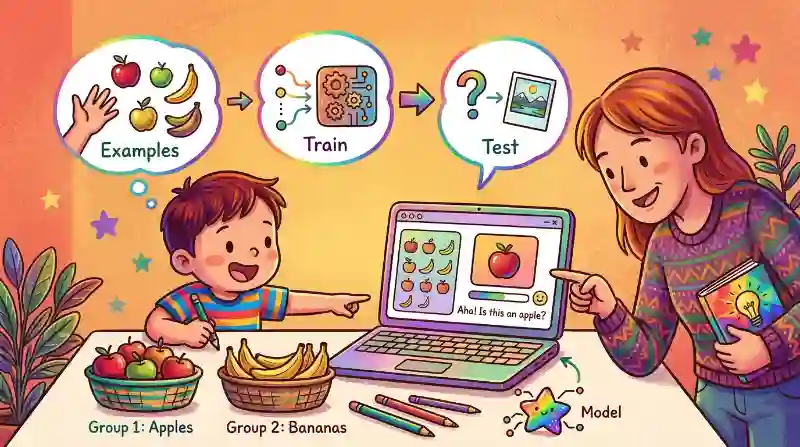
Your child does not need to be a programmer to understand machine learning. Today, simple learning tools let children give a computer examples, train it, and then test whether it learned correctly. A machine-learning model is simply a computer system that learns patterns from examples.
Here are three beginner-friendly tools parents can explore with their children.
1. Teachable Machine — Best for Beginners
Teachable Machine is probably the easiest place to start. Children can teach a computer to recognize:
- Pictures
- Sounds
- Body poses
For example, your child could collect pictures of pens and pencils. They give the computer several examples of each, click Train Model, and then show it a new object.
The fun question is:
“Will the computer guess correctly?”
No coding is required. This makes Teachable Machine a good first activity for understanding: Examples → Train → Test
2. LearningML — Learn How Training Works
LearningML is another educational tool made to help students understand machine learning. Children can create simple models using things such as pictures or text. The process is easy to understand:
- Add examples
- Tell the computer which group they belong to
- Build the model
- Test it with something new
LearningML can also connect with Scratch, so children who already enjoy Scratch can later use their model inside a simple project.
For parents, this can be a nice next step after Teachable Machine.
3. Machine Learning for Kids — Mix AI With Scratch
If your child already enjoys Scratch, try Machine Learning for Kids. The platform was created to introduce children to machine learning through hands-on projects. Children can train simple models and then use them in Scratch games or activities.
For example, a child could train a model to recognize different words and create a Scratch character that reacts differently depending on what it sees. Some activities are easier to set up than others, so younger children may need help from a parent or teacher.
A Simple First Project to Try
Start with something your child already understands.
For example:
Teach AI to Recognize Two Objects
Choose:
Book and Water Bottle
Then:
- Collect several pictures of each.
- Add them to Teachable Machine.
- Train the model.
- Show it a new book.
- See what it predicts.
Then ask your child:
- “Why do you think it got that answer?”
- “What happens if we give it more examples?”
That conversation is more important than getting a perfect model. It helps children understand that AI learns from the information people give it.
Conclusion
Building a first machine-learning model does not have to be difficult. Start with Teachable Machine because it is visual and requires no coding. Later, children can explore LearningML or Machine Learning for Kids. The goal is not to create perfect AI. It is to help children discover a simple idea:
AI learns from examples, tests patterns, and sometimes makes mistakes.
Related Sources
- https://teachablemachine.withgoogle.com/ (Teachable Machine)
- https://learningml.org/en/home/ (LearningML)
- https://machinelearningforkids.co.uk/ (Machine Learning for Kids )
Frequently Asked Questions
Teachable Machine is a good starting point because children can train simple models without writing code.
No. Children can start with visual tools first and explore coding later.
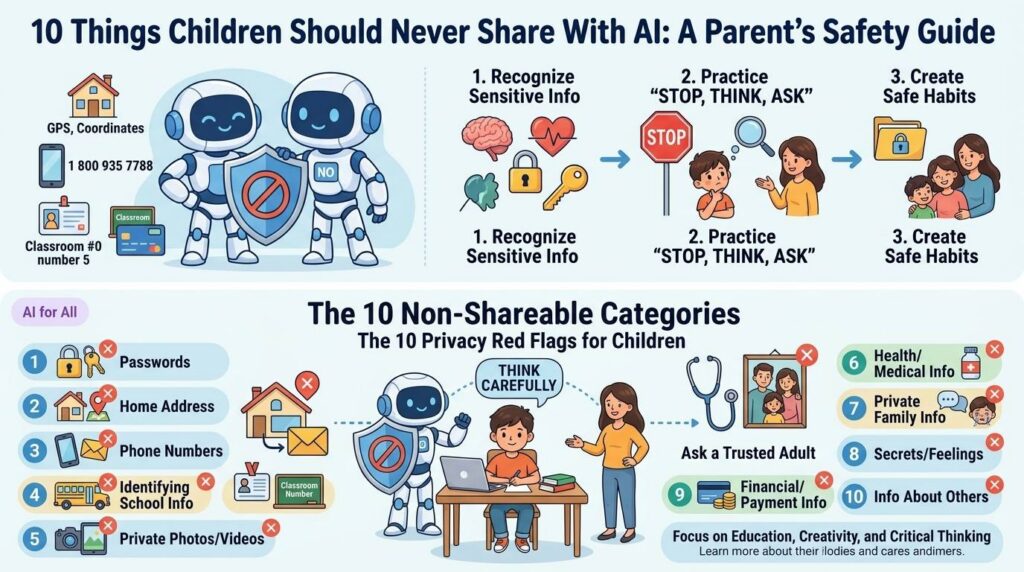
Yes, especially for younger children. Exploring the activity together also gives parents a chance to discuss mistakes, privacy, and responsible AI use.